Set up your phone for Vietnam before you lose signal
Get your phone ready before traveling around Vietnam. Here is the simple way to buy a SIM or eSIM, get mobile data, download the right apps and stay connected from the moment you arrive.

Published on 7 min read

On this page
Your phone is one of the most useful things you will have while traveling in Vietnam.
You will probably use it for Grab, Google Maps, translation, hotel bookings, messaging and mobile payments.
The good news is that mobile data in Vietnam is inexpensive. You just need to set it up properly before leaving reliable Wi-Fi.
Updated: September 2026. Mobile plans, prices and airport SIM counters can change, so always check the carrier’s official website before buying.
SIM or eSIM: which should you choose?
For most travelers, there are two easy options:
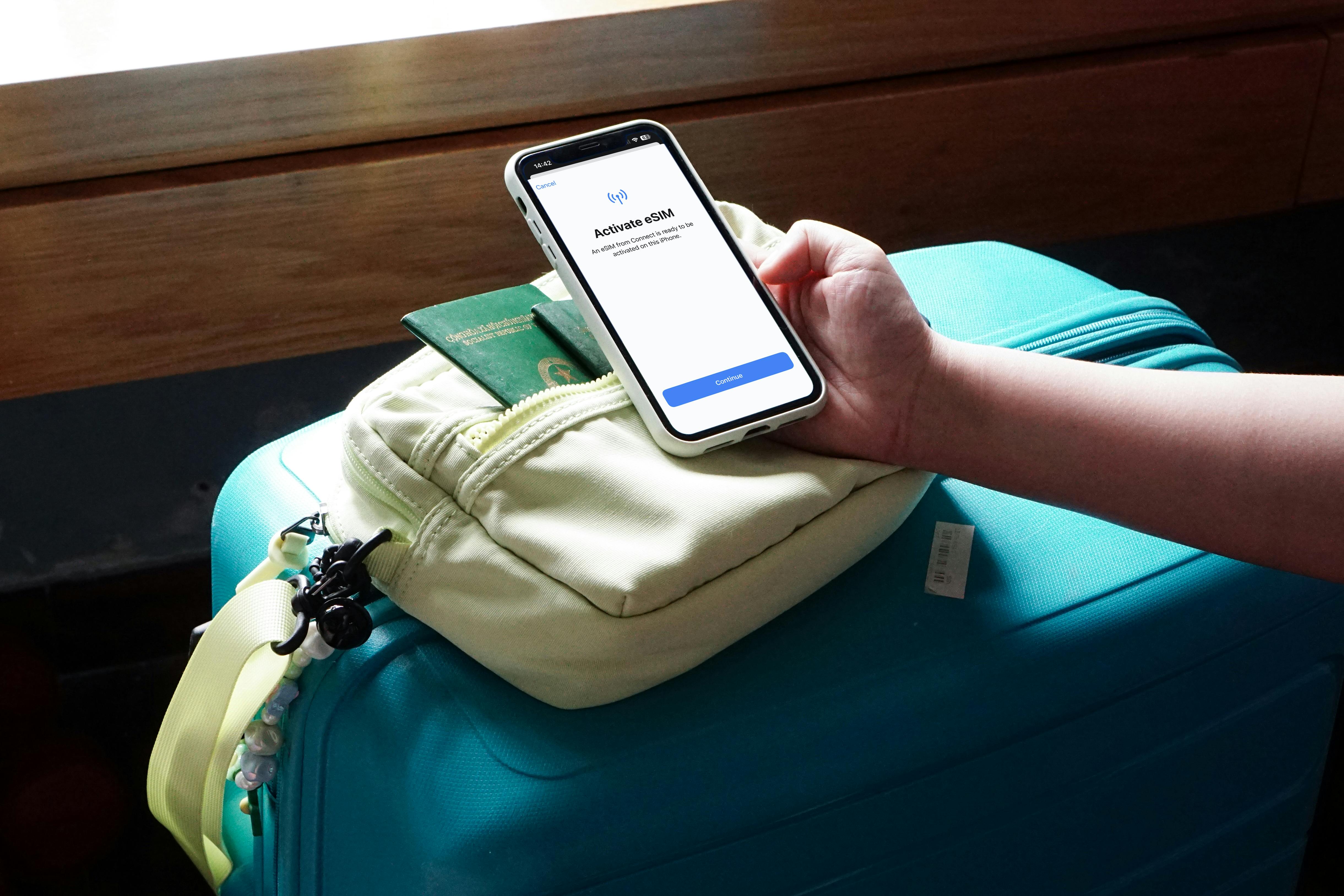
If your phone supports eSIM, it is often the easiest choice.
You can keep your home SIM active for bank verification codes and messages while using the Vietnamese eSIM for mobile data.
Before traveling, make sure your phone is carrier-unlocked.
Where can you buy a SIM in Vietnam?
The easiest place is usually the airport.
At major international airports, you can normally find mobile carrier counters after baggage claim or customs.
Common operators include:
- Viettel
- MobiFone
- VinaPhone
You can usually find SIM counters at:
- Tan Son Nhat Airport (SGN) – Ho Chi Minh City
- Noi Bai Airport (HAN) – Hanoi
- Da Nang International Airport (DAD)
- Cam Ranh Airport (CXR)
- Phu Quoc Airport (PQC)
You can also buy a SIM later at an official carrier store in the city.
For tourist SIM registration, you may need your original passport.
Useful links
Viettel tourist eSIM and SIM information
Tip: Avoid buying a SIM that has already been registered under someone else’s name. Use an official carrier counter or an authorized shop.
How much does a Vietnam SIM cost?
Mobile data in Vietnam is relatively cheap.
Viettel
Current tourist packages include options such as:
The SIM itself may cost extra.
Official information:
Viettel Tourist SIM and eSIM Guide
Viettel is a useful option if your trip includes smaller towns or more remote areas.
MobiFone Travel eSIM
MobiFone offers a travel eSIM designed for international visitors.
You can register online using:
- your passport
- a selfie
- your personal information
- an email address
After arriving in Vietnam, install the eSIM and follow the activation instructions.
Current options include:
Register here:
More information:
Availability and promotional offers can change, so check the official website before your trip.
What about VinaPhone?
VinaPhone is another major Vietnamese mobile carrier.
A normal prepaid SIM can cost around 50,000 VND, depending on the store and SIM type.
You then add a mobile data package.
One example is:
DT30 – 7GB for 7 days – 30,000 VND
Useful links:
How do you activate mobile data?
If you buy a SIM at the airport or an official store, the easiest option is to ask the staff to activate everything for you.
Before leaving the counter:
- Turn off Wi-Fi.
- Turn on Mobile Data.
- Open Google Maps or a website.
- Check that the internet works.
- Confirm how much data you have.
- Ask when the package expires.
Do not leave the counter until you have tested the connection.
Viettel
For some Viettel packages, you can check your remaining data by sending:
to:
You can also dial:
VinaPhone
Some VinaPhone plans can be activated by SMS.
For example:
Send to:
Package availability depends on your SIM.
MobiFone
If you use the MobiFone Travel eSIM, follow the activation instructions provided with the eSIM after arriving in Vietnam.
Install these apps before arriving
You do not need dozens of travel apps.
These are the most useful ones.
1. Grab
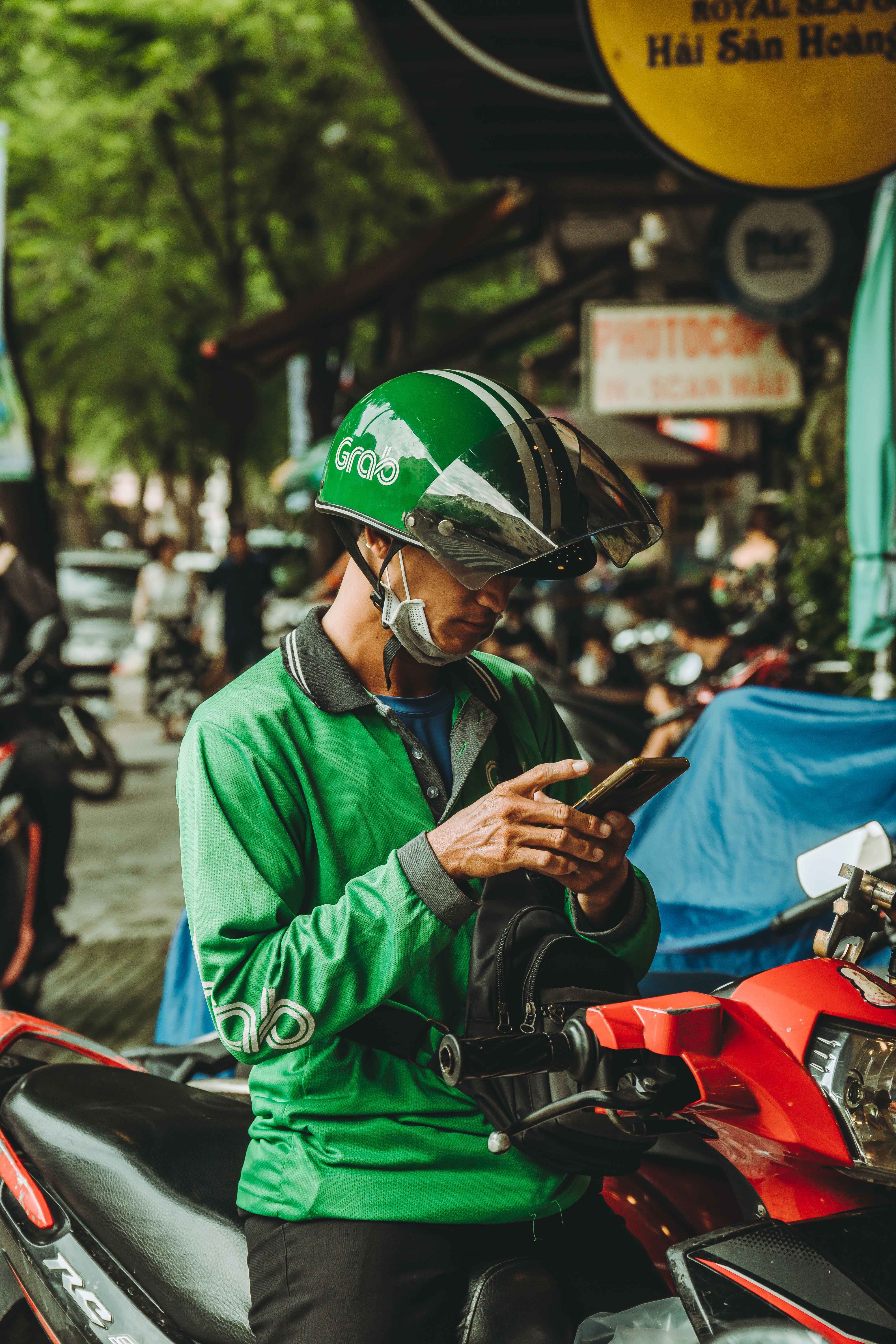
Grab is one of the most useful apps in Vietnam.
You can use it for:
- GrabCar
- GrabBike
- airport transfers
- GrabFood
- delivery services
Install the app and create your account before your flight, especially if your account requires SMS verification.
2. Google Maps
Google Maps is essential for finding:
- hotels
- restaurants
- attractions
- bus stops
- cafes
- shops
Before leaving Wi-Fi, download offline maps for the places you plan to visit.
Go to:
Useful areas to download include:
- Ho Chi Minh City
- Hanoi
- Da Nang
- Hoi An
- Hue
- Nha Trang
Official instructions:
Google Maps Offline Maps Guide
Offline maps can help with basic navigation, but features such as live traffic and some route types may still require internet access.
3. Google Translate
Download Vietnamese in Google Translate before your trip.
It is useful for:
- menus
- street signs
- short conversations
- hotel addresses
- transport questions
Google Translate also has camera translation, which can be helpful for reading Vietnamese text.
Official instructions:
Download languages for offline use in Google Translate

4. Your mobile carrier app
If you plan to stay in Vietnam for more than a few days, install the app from your mobile carrier.
Viettel
Use Viettel Tammi.
The older My Viettel app is being replaced by Viettel Tammi.
VinaPhone
Use My VNPT.
You can use it to:
- check data
- recharge your SIM
- buy new mobile packages
- manage your account
MobiFone
Use My MobiFone to manage your SIM and data packages.
Save your hotel address offline
Before leaving Wi-Fi, save:
- hotel name
- full Vietnamese address
- phone number
- Google Maps location
Take a screenshot too.
For example:
If mobile data stops working, you can show this information to a taxi driver or local person.
Keep your home SIM active
If your phone supports Dual SIM or eSIM, you usually do not need to remove your home SIM.
A useful setup is:
Turn off Data Roaming on your home SIM to avoid unexpected roaming charges.
Some travel eSIMs require Data Roaming to be enabled on the eSIM itself, so follow your provider’s instructions.
How much mobile data do you need?
For normal travel, you usually do not need a huge data package.
Around 1–3GB per day is enough for many travelers using:
- Google Maps
- Grab
- Messenger
- web browsing
- occasional social media
You may need more data if you plan to:
- stream video
- upload large videos
- work remotely
- use your phone as a hotspot
For most tourists, a 10GB to 50GB package is usually enough for a normal trip.
Download these before leaving Wi-Fi
Before leaving your airport or hotel Wi-Fi, check that you have:
- Grab installed and logged in
- Google Maps downloaded offline
- Vietnamese downloaded in Google Translate
- your hotel address saved
- your mobile data working
- important bookings screenshotted
You may also want to save:
- flight details
- boarding passes
- passport information page
- travel insurance information
- airport transfer information
Important: Vietnam no longer uses 2G
Vietnam shut down its 2G mobile network nationwide in September 2026.
Most modern smartphones will not have any problem.
However, very old phones may no longer work properly.
If you use a 4G phone, make sure VoLTE / 4G Calling is supported and enabled.
Quick phone setup checklist
Before starting your trip around Vietnam:
- Check that your phone is unlocked
- Buy or install a Vietnamese SIM/eSIM
- Test mobile data
- Install Grab
- Download offline Google Maps
- Download Vietnamese in Google Translate
- Save your hotel address
- Keep your home SIM for verification codes
- Screenshot important bookings
- Carry a power bank
The simplest setup for most travelers
If you want to keep things simple:
Before flying
Install:
- Grab
- Google Maps
- Google Translate
Before leaving Wi-Fi
Download:
- offline maps
- Vietnamese language files
- your hotel information
After landing
Buy an official Viettel, MobiFone or VinaPhone SIM, or activate your eSIM.
Before leaving the SIM counter
Turn off Wi-Fi and test your mobile data.
If Google Maps loads, Grab works and your hotel address is saved, your phone is ready for Vietnam.